v7 Slots On iPhone & iPad
Access v7 Slots games on your iPhone and iPad simply by opening Safari or your chosen browser on your Apple device. All the support for iPhone touch functionality and compact menus to quickly go through the games is embedded into the iPhone interface. Where possible, supported game screens are made to fit the available screen size. With a larger display, iPad offers more space to list the various slot games and play with a larger display, particularly for live-casino games. Games that support orientation can be played in Portrait or Landscape mode on your iPad.
20+ Games
Wide variety
Secure
Safe gaming
Fast
Lightning gameplay
iOS Optimized
iPhone & iPad
Please keep your iOS and browser up-to-date and make sure you have activated a device passcode and additional biometric authentication where possible. The casino is a browser-based service, so updates to the website are released through the service rather than via an app store application.
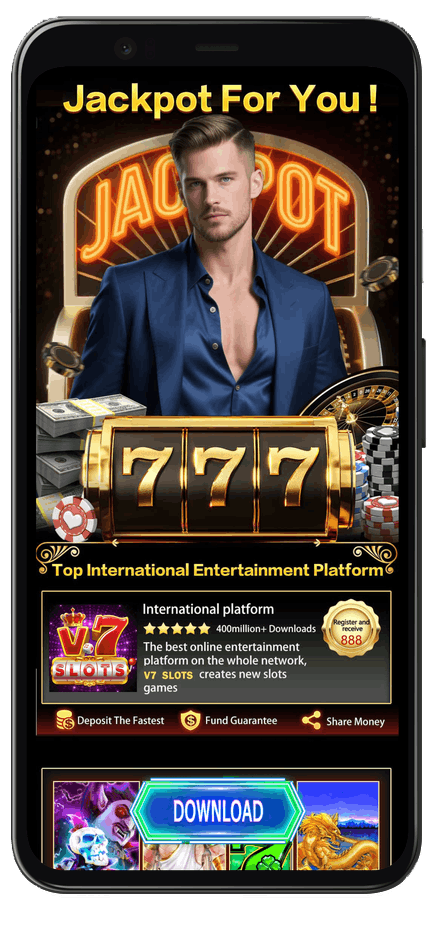
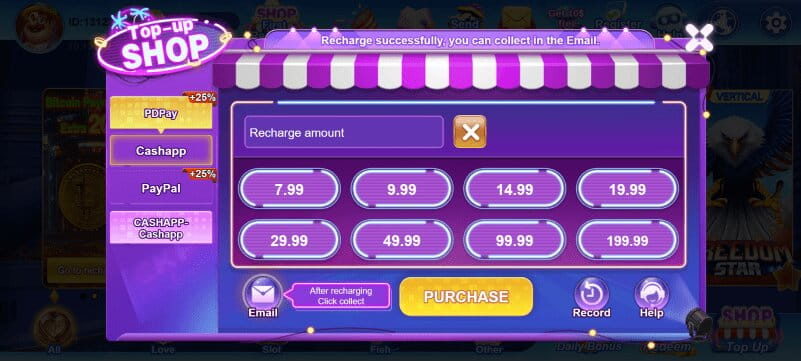
App Screenshots
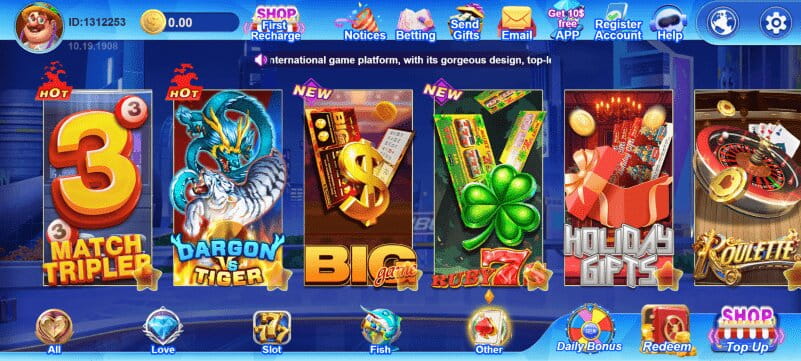

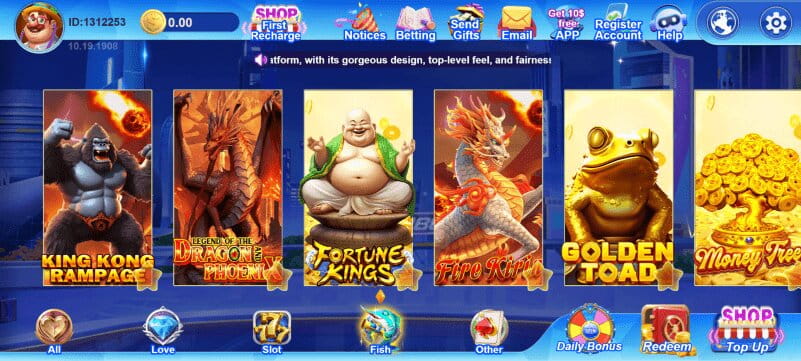

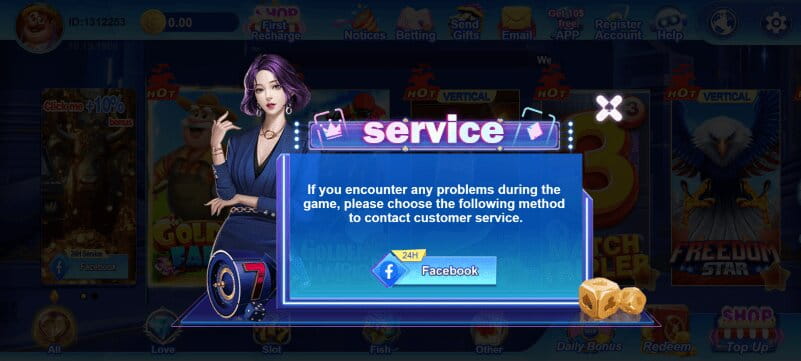
How to Install
Tap the Download button above to get started with v7 Slots.
Open Safari or your chosen browser on your iPhone or iPad.
Select Login and enter your registered details, or create a new account.
Choose from the available games and start playing.
Keep your iOS and browser up-to-date and enable a device passcode or biometric authentication.